Guides
Better images. Smaller files.
Practical guides to choosing formats, reducing file sizes and preparing images for the web. Understand the trade-offs, then use the right tool.
No guides found
Try a shorter search term or remove the topic filter.

How to Send High-Quality Photos on WhatsApp: HD vs Documents
Choose HD for chat photos or Document to share the image file. Follow Android, iPhone and computer steps, check the download and avoid unnecessary compression.
Read guide
Why Are My Instagram Photos Blurry? How to Improve Upload Quality
Troubleshoot blurry Instagram photos with a clear export workflow, feed image sizes, separate Story checks and an interactive upload checklist.
Read guide
How to Export a Logo for Websites, Email and Documents
Prepare the right SVG, PNG and JPG logo files. Choose dimensions and backgrounds, fix common export problems, and check the result on a website, in email or in a document.
Read guide
Why Are My Canva Downloads Blurry? Find and Fix the Cause
Find why your Canva download looks blurry. Compare real PNG and JPG exports, source-photo resolution and a larger design, with original files to inspect.
Read guide
How to Reduce Word Document Size by Optimizing Images
Reduce Word document size by optimizing pictures. Follow Windows, Mac and web workflows, choose suitable image resolution and preserve readable detail.
Read guide
Why Do Image Colors Look Different on My Website?
Find out why a photo or logo looks different on your website. Compare the files, check color settings and fix changes caused by the page or screen.
Read guide
How to Create and Add a Favicon to Your Website
Create a clear favicon from your logo, choose ICO and PNG sizes, and add it to HTML or WordPress. Includes code, Google Search guidance and troubleshooting.
Read guide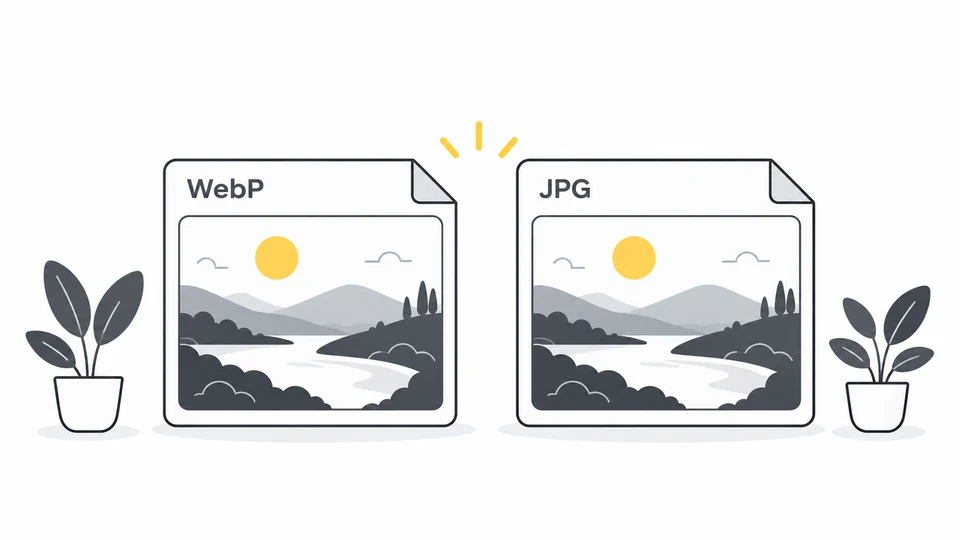
WebP vs JPG: Which Should You Use?
Choose between WebP and JPG for websites, uploads and sharing. Compare quality, transparency and compatibility with a practical export workflow.
Read guide
Why Is My WebP File Bigger Than the Original?
Find why a WebP export is larger than its JPG or PNG source. Compare real downloads, check dimensions and quality settings, and choose the right fix.
Read guide
How to Fix “Image Too Small” in Google Merchant Center
Fix Merchant Center image-size issues: inspect the submitted URL, find a suitable original and prepare for the 500 × 500 pixel minimum coming in 2027.
Read guide
Google Business Profile Photos: Sizes, Crops and Upload Tips
Prepare Google Business Profile photos, logos and covers. Check sizes and formats, choose clear crops and troubleshoot missing or soft-looking images.
Read guide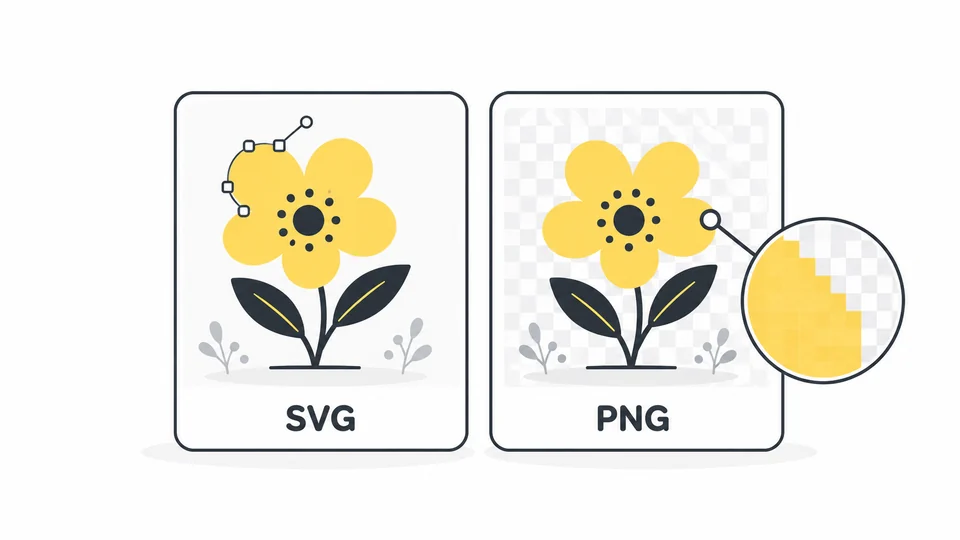
What Is SVG? When to Use SVG vs PNG
Understand SVG files, compare SVG with PNG, and choose the right format for logos, icons and website graphics. Learn how sizing and export settings affect the result.
Read guide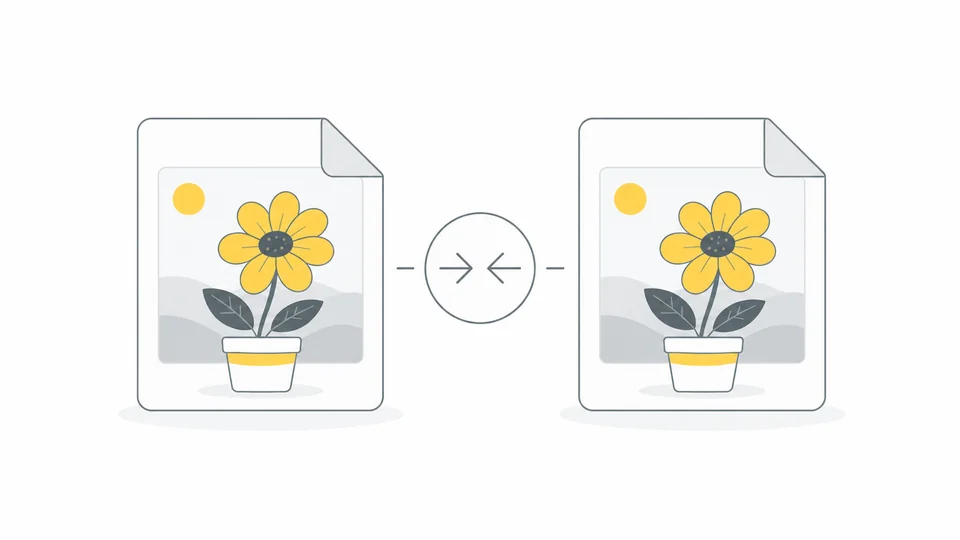
How to Reduce Image File Size Without Visible Quality Loss
Reduce image file size with a practical workflow for dimensions, formats and quality. Learn what Pixilo changes and when to keep the original.
Read guide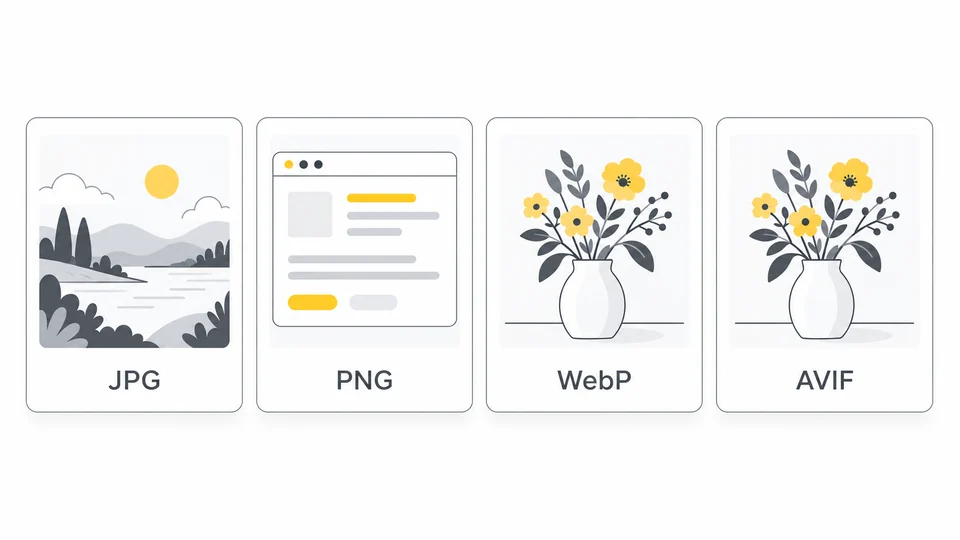
Best Image Format for Websites: JPG, PNG, WebP or AVIF?
Choose an image format for photos, screenshots and transparent graphics. Compare JPG, PNG, WebP and AVIF before exporting for your website.
Read guide
Why Do My Website Images Look Blurry?
Find where image detail is lost: compare the original, export and published file, then check dimensions, compression and the image version your page loads.
Read guide
How to Compress Multiple Images at Once
Prepare an image batch, test representative files and compress up to 20 images with Pixilo. Review quality, handle exceptions and verify the ZIP download.
Read guide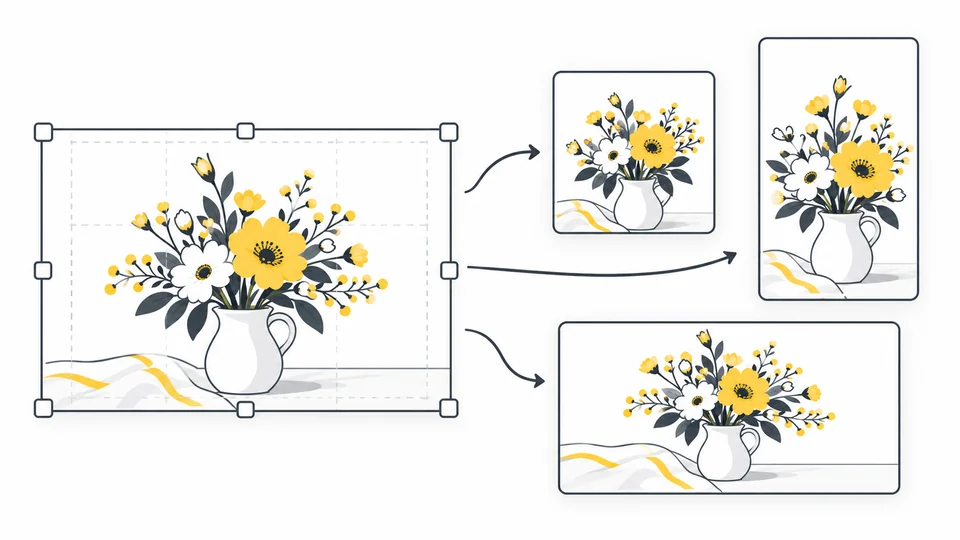
How to Adapt One Image for Different Social Media Posts
Make separate square, portrait and landscape crops from one image. Keep the subject and text visible, resize without stretching and check the upload preview.
Read guide
How Image Size Affects Core Web Vitals
Learn how image dimensions, loading behavior and reserved space affect LCP and CLS, and why compression alone does not fix every performance problem.
Read guide
Image Lazy Loading: When to Use It and When to Avoid It
Choose which images to lazy-load, protect your main LCP image and implement native HTML loading. Includes code examples, gallery checks and a testing workflow.
Read guide
How to Optimize Images for WordPress
Prepare images for WordPress, choose suitable dimensions and formats, and verify the image files your published pages actually deliver.
Read guide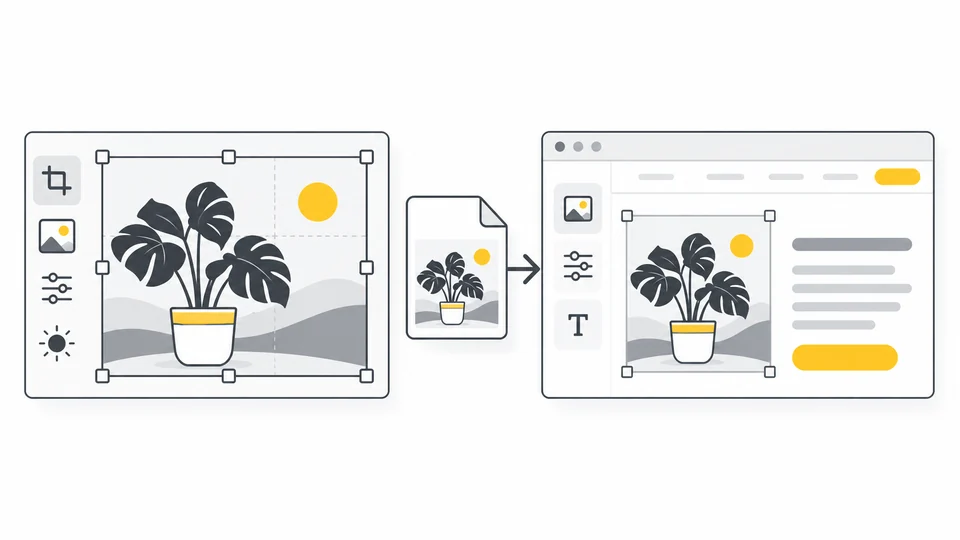
How to Optimize Images in Elementor
Optimize images in Elementor: choose widget resolutions, prepare mobile backgrounds, prevent layout shifts and check the files your published page loads.
Read guide
Best Image Sizes for Websites
Choose image dimensions from your layout, screen density and crop. Use practical sizing examples and responsive variants without stretching your images.
Read guide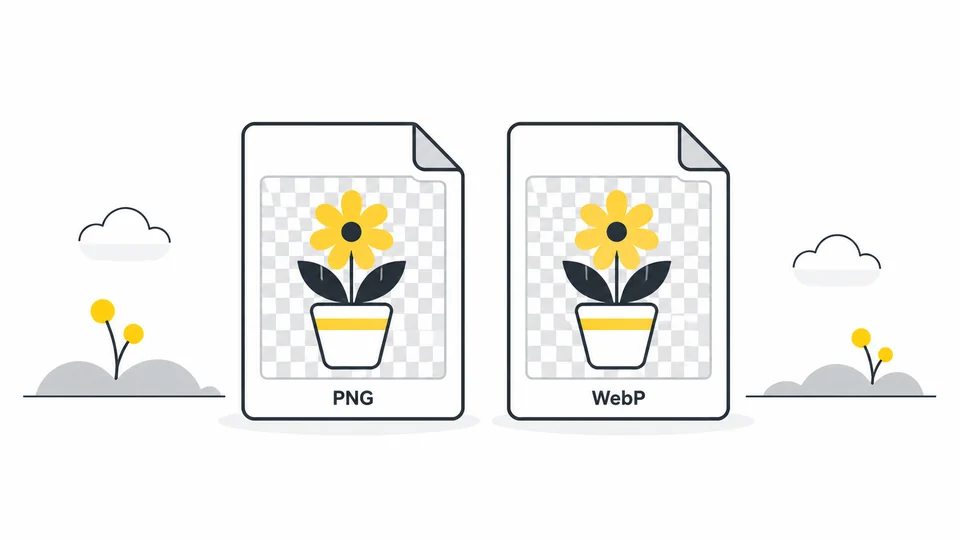
PNG vs WebP: Which Format Fits Your Image?
Compare PNG and WebP for screenshots, transparent graphics and photographs. Check edges, compression settings and compatibility before converting.
Read guide
How to Compress Images for Email
Prepare smaller photo attachments while preserving useful detail. Choose compatible formats, check total attachment size and review what you share.
Read guide
Why Are My Website Images Loading Slowly?
Diagnose oversized files, late image requests, slow responses and rendering delays. Find the right fix before repeatedly compressing your images.
Read guide
How to Optimize Images for Google PageSpeed
Use PageSpeed Insights to identify image problems, choose a targeted fix and verify the published result without sacrificing necessary image detail.
Read guide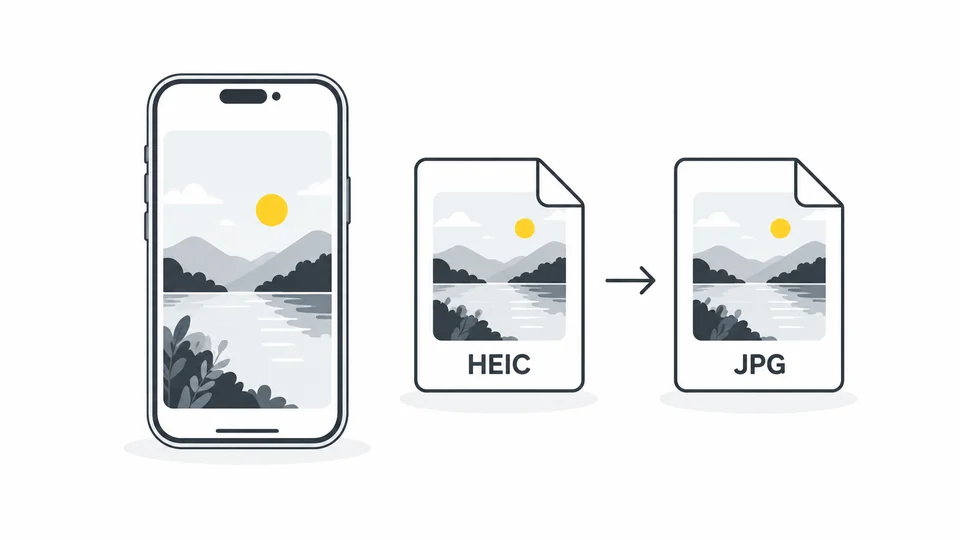
Why iPhone Photos Are HEIC and How to Convert Them to JPG
Learn why iPhone photos use HEIC, how to make a JPG copy, and how to check quality, file size and compatibility before uploading or sharing.
Read guide
What Your Photos Reveal: How to Check and Remove Metadata
Check photos for location and other embedded information, create a sharing copy and verify the result. Understand what metadata removal cannot hide.
Read guide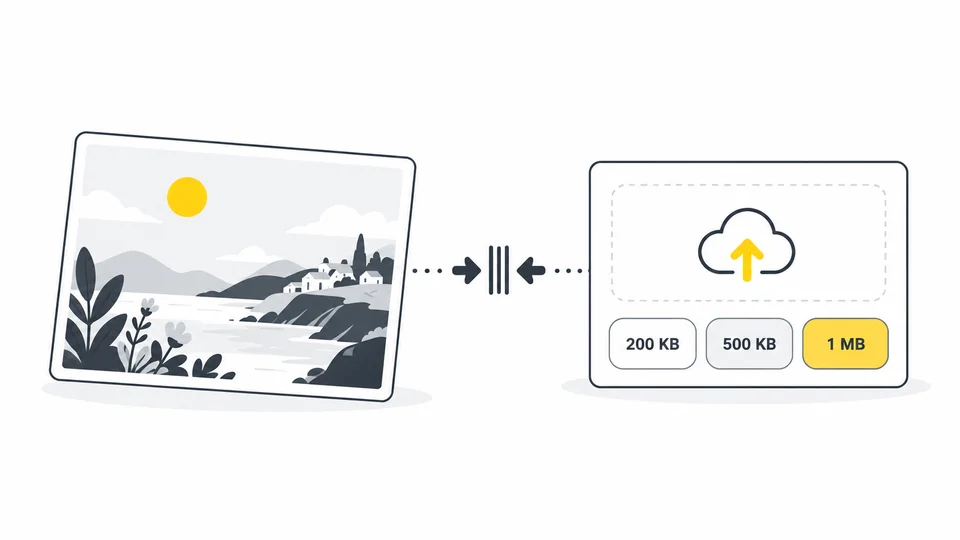
How to Reduce an Image Below 200 KB, 500 KB or 1 MB
Make an image fit an upload limit without guessing. Check the required format, resize proportionally, adjust compression and verify the final file.
Read guide
How to Resize an Image Without Stretching It
Resize an image without stretching: lock the aspect ratio, change one dimension and choose cropping or borders when you need a different shape.
Read guide
Why Does My Transparent Image Have a Black or White Background?
Find out whether a background is in your image or just the preview. Fix transparency problems, avoid edge halos and choose a background for JPEG export.
Read guide
AVIF vs WebP: Which Image Format Should You Use?
Compare AVIF and WebP for website images. Learn how to test file size and quality, handle transparency and fallbacks, and choose a practical export workflow.
Read guide
JPG vs PNG: Which Is Better for Screenshots, Text and Photos?
Choose JPG or PNG for screenshots, text and photographs. Compare readability, transparency and file size, with practical export steps and common mistakes.
Read guide
Responsive Images: Choose the Right Size for Phones and Desktops
Learn how to size images for phones and desktops, create useful exports, configure srcset and sizes, and test the files your website actually delivers.
Read guide
How to Optimize Product Images for Your Online Store
Prepare clear product images for your online store. Choose crops, dimensions, formats and compression, then check zoom, image SEO and storefront delivery.
Read guide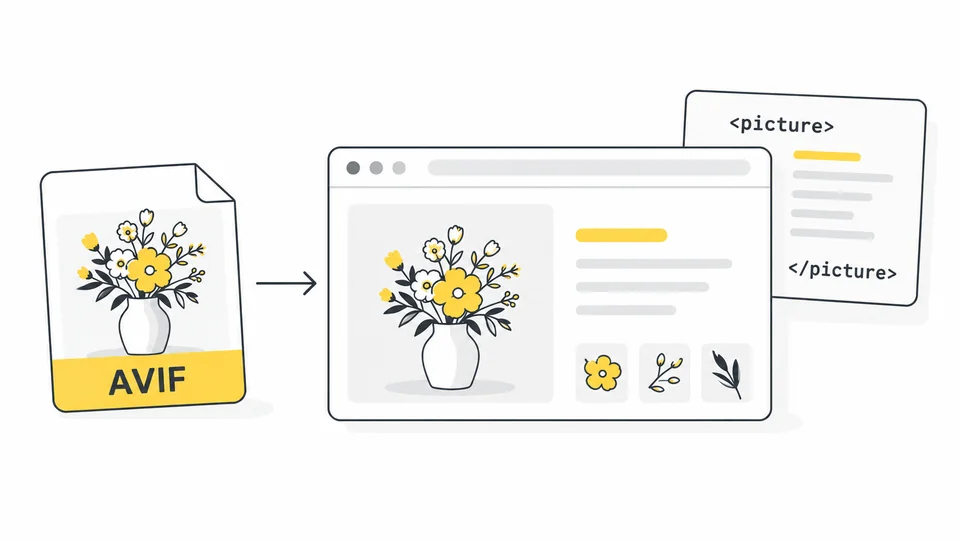
How to Use AVIF Images on Your Website
Converting an image to AVIF is only the first step. After publishing, check that the page displays it correctly and the browser actually loads the new version.
Read guide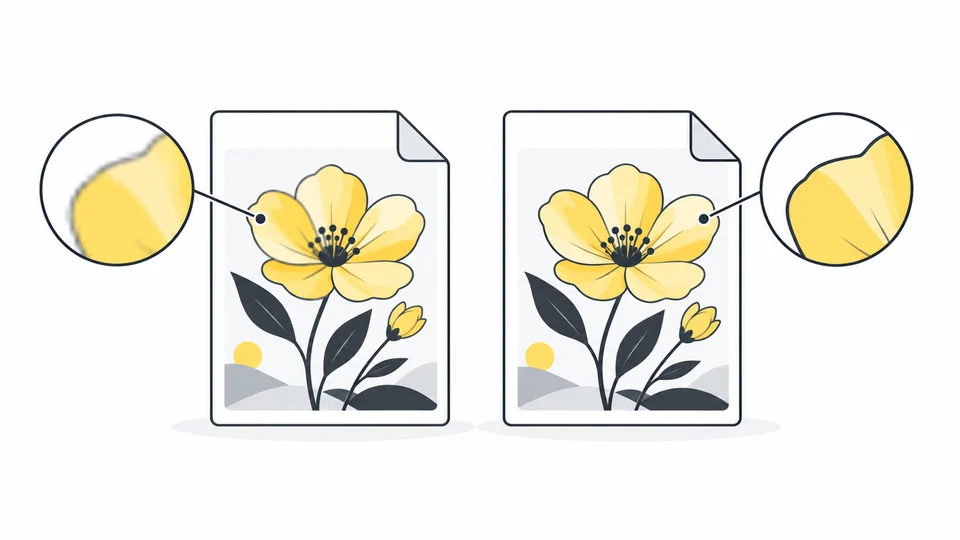
Lossy vs Lossless Image Compression: How to Choose
Compare lossy and lossless image compression, recognize quality problems and choose suitable settings for photos, screenshots and graphics.
Read guide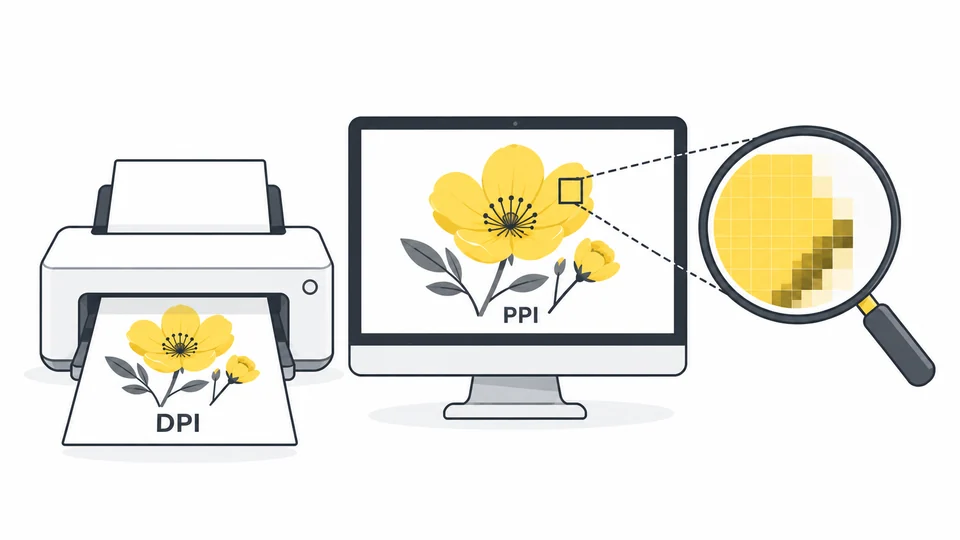
DPI vs PPI vs Pixels: Image Size for Web and Print
Understand DPI, PPI and pixel dimensions. Calculate print sizes, choose website image dimensions and avoid resolution changes that add no real detail.
Read guide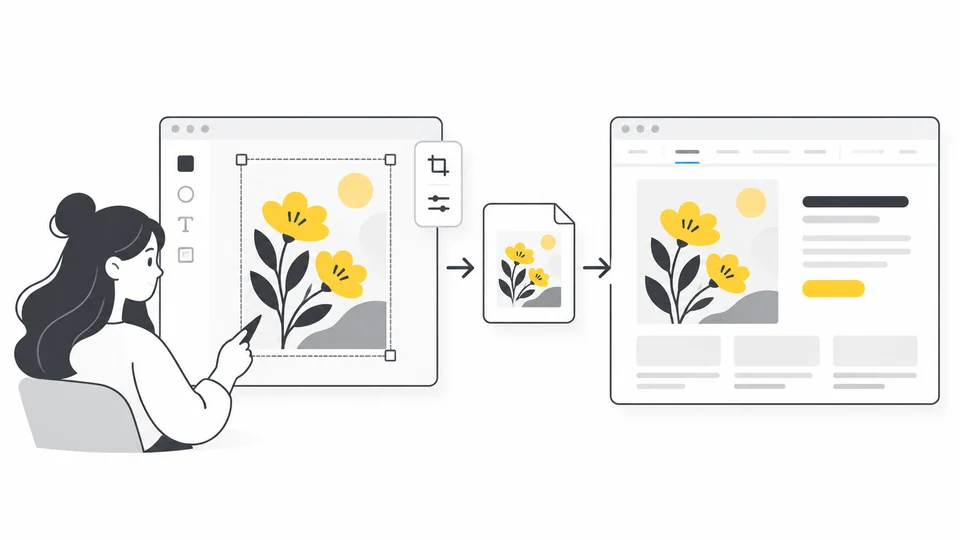
How to Optimize Canva Images for Websites
Choose Canva export formats and dimensions, preserve transparency, compress images and fix blurry text before publishing on your website.
Read guide
Image Alt Text and Filenames: A Practical Guide to Image SEO
Write useful alt text and clear image filenames with practical examples for product photos, decorative images, links and charts. Avoid keyword stuffing.
Read guide
How to Optimize Shopify Images: Sizes, Formats and Compression
Prepare Shopify product photos with suitable dimensions, clear crops and sensible compression. Check automatic image delivery, mobile layouts and image SEO.
Read guide
How to Create a Social Preview Image for Your Website
Create a clear social preview image, choose useful dimensions and configure Open Graph. Learn how to fix a missing, incorrect or outdated link preview.
Read guide
How to Add a Watermark to an Image
Choose a text or logo watermark, set its position, width and opacity in Pixilo, and check readability at the final display size before sharing.
Read guide
Ad Image Sizes and Compression: A Practical Guide
Choose ad image sizes and prepare layouts for Google, Facebook and Instagram. See how to reduce file size while keeping text readable.
Read guide
How to Choose the Right Images for Your Website
Choose images that make each page clearer and more credible, from hero and service images to team photos and blog covers. Check crops on desktop and mobile.
Read guide
Stock Photos vs Your Own Photos: Which Should You Use?
Decide when to use stock photos and when to show your own business. Compare image options, check how they fit the page and review usage permissions.
Read guide
Images in Email Newsletters: A Practical Guide
Choose clear images for email newsletters, keep essential information readable without them, and check crops, image loading and links before sending.
Read guide
AI Images or Real Photos for Your Website?
Choose AI-generated images, real photos or a mix for your website. Learn when each works, what to check in AI edits and how to explain generated scenes.
Read guide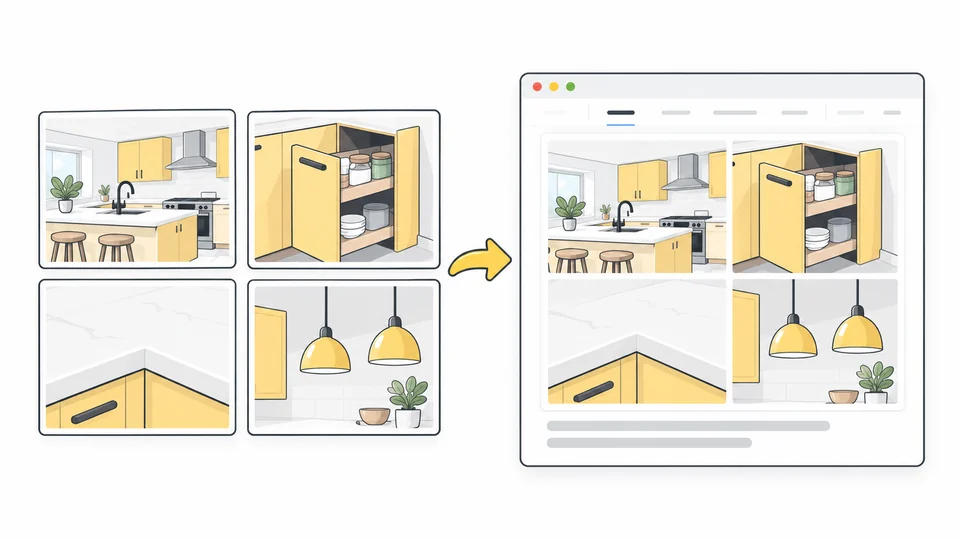
How to Combine Images for Your Website
Combine website images into a clear collage. Choose a layout, adjust crops and spacing, and check mobile readability with a practical four-photo example.
Read guide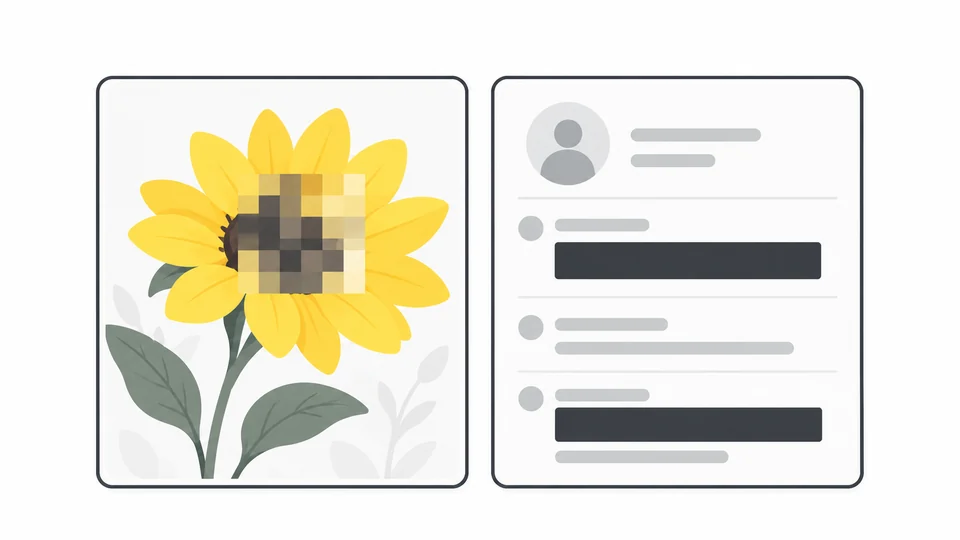
How to Pixelate or Cover Parts of an Image
Learn how to pixelate or cover parts of an image, edit multiple areas and check the saved PNG. Choose the right method for screenshots and photos.
Read guide
Rounded Corners and Circular Images for Websites
Create rounded corners and circular images for your website with Pixilo or CSS border-radius. Learn about cropping, transparency and responsive image styling.
Read guide
Why Is My Photo Sideways After Uploading? Fix Image Rotation
Fix a photo that turns sideways after uploading. Learn how EXIF orientation works, save an upright copy and troubleshoot rotated website thumbnails.
Read guide
Why Aren’t My Images Showing in Google Images?
Find out why your website images are missing from Google Images. Check page indexing, image access, crawl blocks, JavaScript and changed image URLs.
Read guide
How to Prepare Product Photos for Etsy
Prepare Etsy product photos with clear thumbnail crops, suitable dimensions and useful detail. Choose a format, reduce excess file size and check the listing.
Read guide
How to Prepare Screenshots for Tutorials and Documentation
Create clear tutorial screenshots: capture readable text, crop distractions, cover private details and choose image dimensions and formats for publication.
Read guide
How to Reduce PowerPoint File Size by Optimizing Images
Reduce PowerPoint file size with picture compression and better image preparation. Compare Windows, Mac and web options while keeping slide details readable.
Read guide
How to Prepare Photos for Online Forms
Match a form's photo requirements: crop to the right proportions, set exact pixel dimensions, choose an accepted format and troubleshoot rejected uploads.
Read guide
How to Export Photos for a Photography Portfolio
Choose dimensions, formats, colour settings and compression for portfolio photos. Compare detailed images and check the published gallery on desktop and mobile.
Read guide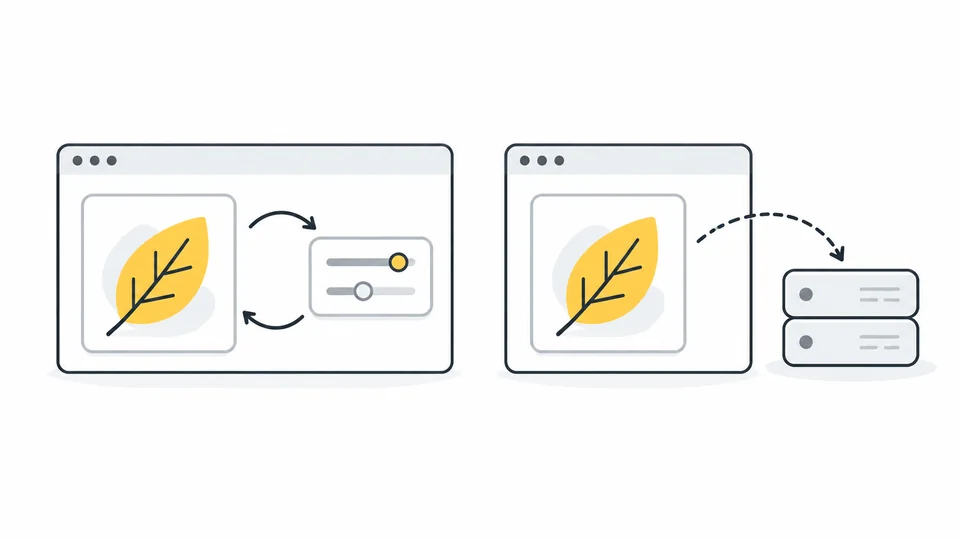
What Happens to Your Photos in an Online Image Tool?
Understand browser and server image processing, local storage and uploads. Learn how to inspect network activity and what happens to images in Pixilo.
Read guide
Why Is My Image Not Showing on My Website? Fix Broken Images
Find out why an image is missing from your website. Follow checks for broken links, access, mobile versions and page settings, then verify the repair.
Read guide