Crop images free, in your browser
Crop JPG, PNG and WebP images quickly and easily. Everything happens locally in your browser — nothing is uploaded to a server.

Aspect ratio
Export settings
- Works in your browser
- No image uploads
- No account needed
(728 × 90)
Tools
More image tools
Compress images
Compress image files in your browser
OpenCompress to a File Size
Reduce images to a chosen file size
OpenImage Resizer
Resize images to exact dimensions
OpenProduct Image Optimizer
Prepare consistently sized product images
OpenConvert formats
HEIC, JPG, PNG, WebP, AVIF and SVG.
OpenAdd Watermark
Add text or a logo to your image
OpenRemove Image Metadata
Remove EXIF, camera and location metadata
OpenRotate and Flip Image
Rotate 90° or flip your image
OpenConvert image formats
Choose an output format
More editing tools7
Combine Images
Combine images in a row or grid
OpenRounded Image Corners
Round corners and choose a background
OpenPixelate Image
Pixelate or cover a selected area
OpenAdd a background to a transparent image
Add a solid background before JPG export
OpenSocial Media Sizes
Resize images for social-media platforms
OpenImage Metadata Viewer
Check EXIF, GPS and camera details
OpenFavicon generator
Create ICO and PNG icons for your website
OpenGuides
Learn before you export
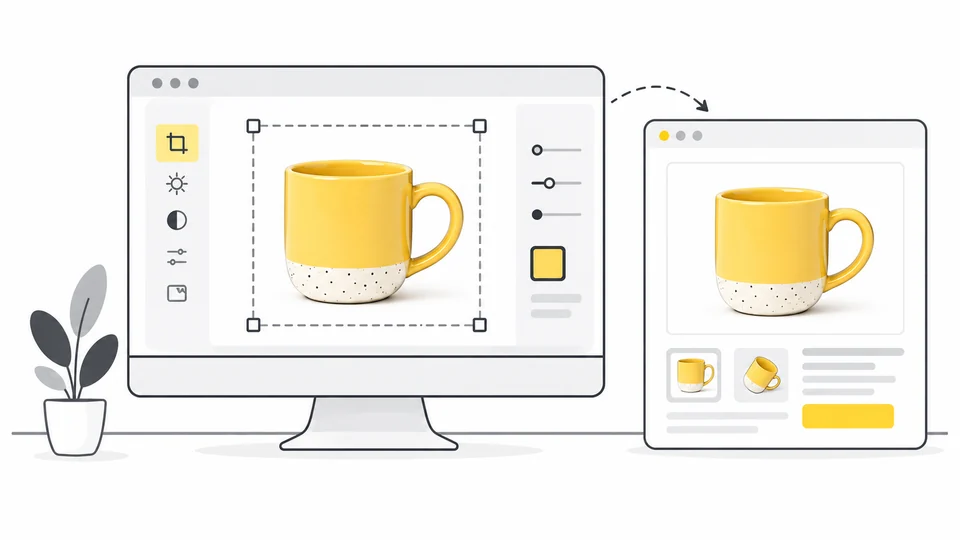
How to Prepare Product Photos for Etsy
Prepare Etsy product photos with clear thumbnail crops, suitable dimensions and useful detail.
Read guide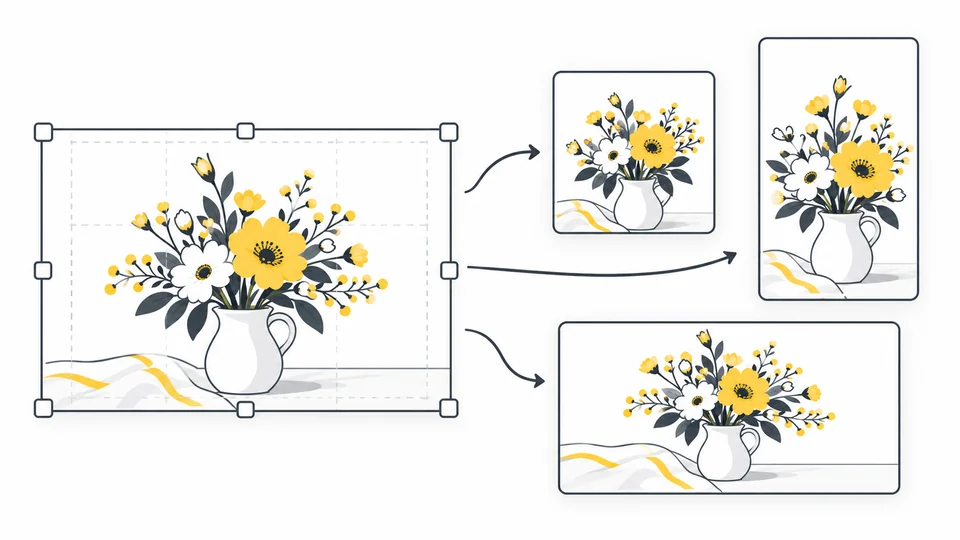
How to Adapt One Image for Different Social Media Posts
Make separate square, portrait and landscape crops from one image.
Read guide
Best Image Sizes for Websites
Choose image dimensions from your layout, screen density and crop.
Read guideFrequently asked questions
Answers to common questions about image compression, file sizes, formats, and privacy.
Can I crop an image online for free?
Yes. Pixilo's image cropper is free to use and does not require an account or registration.
Which image formats can I crop?
Pixilo supports JPG, PNG and WebP images. Individual files can be up to 25 MB.
Are my images uploaded to a server?
No. The cropping process happens directly in your browser. Your image does not need to be uploaded to a Pixilo server.
Can I crop an image to a specific aspect ratio?
Yes. You can crop freely or use common aspect ratios including 1:1, 4:3, 3:4, 16:9 and 9:16.
Does cropping reduce image quality?
Cropping keeps the pixels within your selection and does not resize them. Saving as JPG or WebP uses lossy compression and can change fine detail. PNG avoids further lossy compression, but cannot restore detail that was already lost.
Which format should I download after cropping?
Choose PNG when you need to preserve transparency, or JPG for a photo with an opaque background. WebP is another option in the format selector. Review the crop before downloading; saving as JPG removes transparency and may affect fine detail.