Convert SVG to PNG
Convert an SVG to PNG on your device. Choose the pixel dimensions and keep transparency or add a background colour.

With the lock on, changing one dimension calculates the other. Turn it off only when you deliberately want different proportions.
- Works in your browser
- No image uploads
- No account needed
(728 × 90)
Tools
More image tools
Compress images
Compress image files in your browser
OpenCompress to a File Size
Reduce images to a chosen file size
OpenImage Resizer
Resize images to exact dimensions
OpenCrop Image
Crop images to the perfect frame
OpenProduct Image Optimizer
Prepare consistently sized product images
OpenConvert formats
HEIC, JPG, PNG, WebP, AVIF and SVG.
OpenAdd Watermark
Add text or a logo to your image
OpenRemove Image Metadata
Remove EXIF, camera and location metadata
OpenConvert image formats
Choose an output format
More editing tools8
Rotate and Flip Image
Rotate 90° or flip your image
OpenCombine Images
Combine images in a row or grid
OpenRounded Image Corners
Round corners and choose a background
OpenPixelate Image
Pixelate or cover a selected area
OpenAdd a background to a transparent image
Add a solid background before JPG export
OpenSocial Media Sizes
Resize images for social-media platforms
OpenImage Metadata Viewer
Check EXIF, GPS and camera details
OpenFavicon generator
Create ICO and PNG icons for your website
OpenGuides
Learn before you export
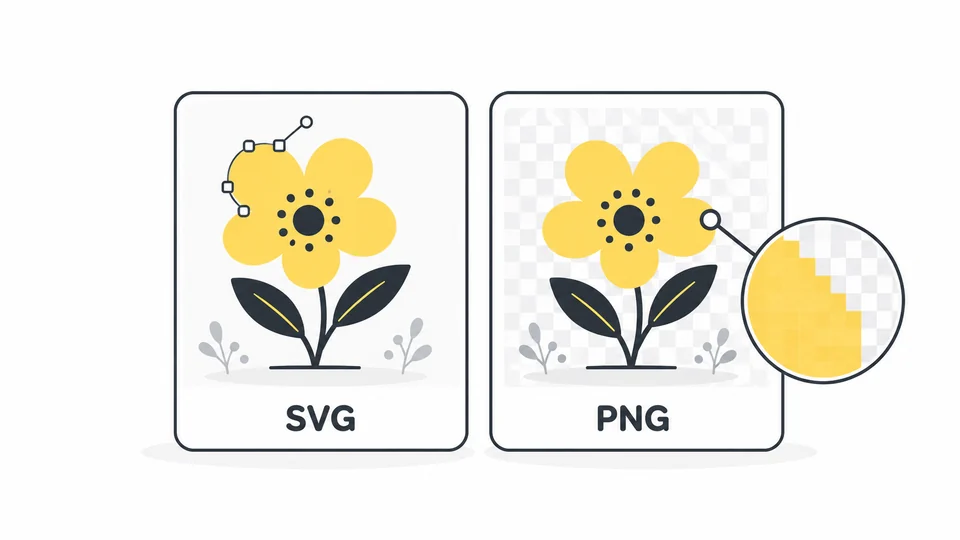
What Is SVG? When to Use SVG vs PNG
Understand SVG files, compare SVG with PNG, and choose the right format for logos, icons and website graphics.
Read guide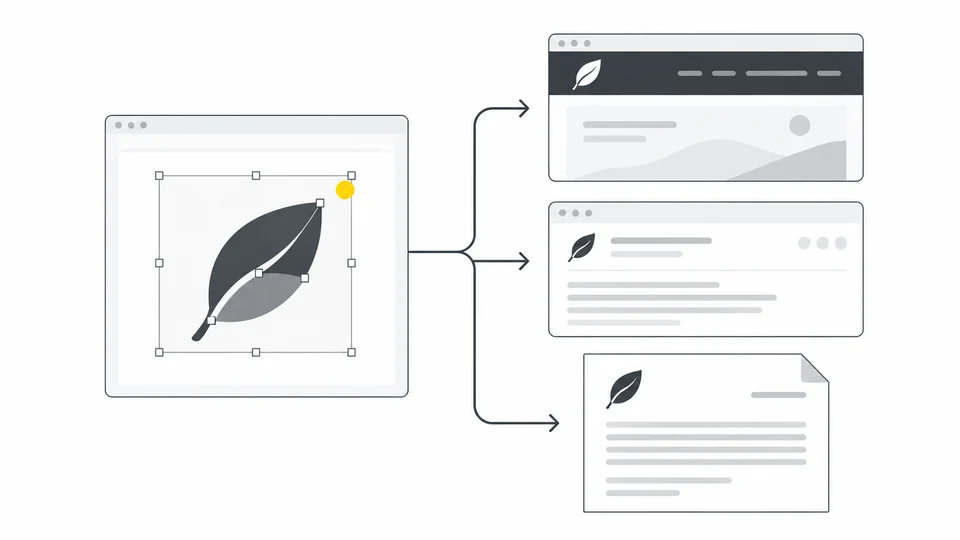
How to Export a Logo for Websites, Email and Documents
Prepare the right SVG, PNG and JPG logo files.
Read guide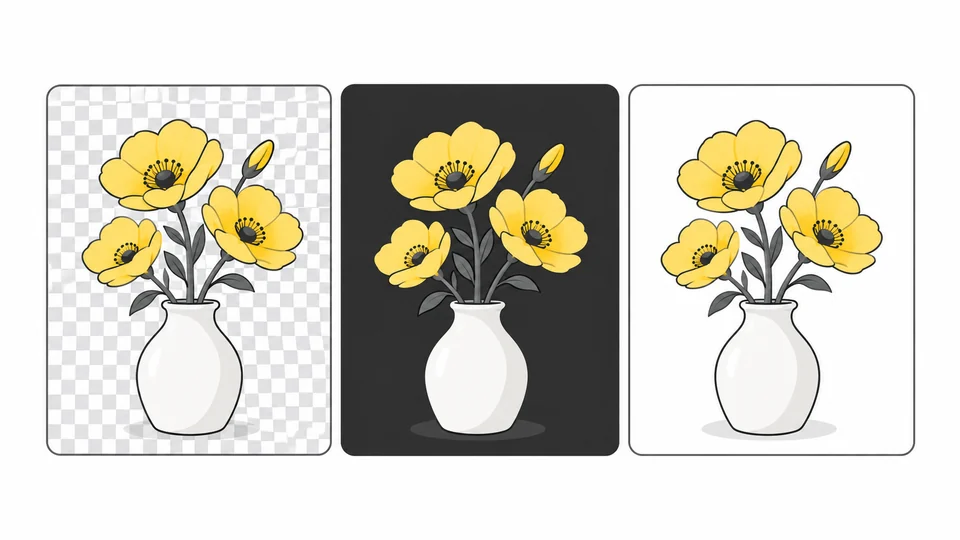
Why Does My Transparent Image Have a Black or White Background?
Find out whether a background is in your image or just the preview.
Read guideFrequently asked questions
Answers to common questions about this tool, image formats, and privacy.
When should I convert SVG to PNG?
Use PNG when an app, upload form or publishing platform does not accept SVG, or when you need an image with fixed pixel dimensions. If your website supports SVG, keeping a logo or icon as SVG lets it stay sharp at different sizes. Keep the original SVG so you can export other sizes later.
What PNG size should I choose?
Start with the dimensions required by the app or platform. For a website logo displayed at 300 pixels wide, a 600-pixel-wide PNG can look sharper on a screen with twice the pixel density, provided the website still displays it at 300 pixels wide. Keep the aspect ratio locked so the height adjusts automatically. Avoid exporting much larger than you need, as this can increase the file size.
How do I keep the background transparent?
Leave Transparent background selected to preserve areas that are transparent in the SVG. To add a solid background, turn it off and choose a colour. This setting does not remove a white rectangle or another background that is part of the artwork: remove that element in your design app before exporting the SVG.
Why does my PNG look blurry?
A PNG has a fixed number of pixels and can look blurry when displayed larger than its exported size. Export again from the original SVG at the dimensions you need instead of enlarging the PNG. Vector shapes can be rendered at a larger size, but enlarging photos or other pixel images embedded in the SVG does not restore missing detail. Check small text and thin lines at the size the image will actually be used.
Can I convert several SVG files at once?
This tool processes one SVG at a time, up to 25 MB. Choose another image to process the next file. Each download is a separate copy; your original file is unchanged.
Which dimensions can I use?
The initial size comes from the SVG’s width and height or viewBox. Both the source dimensions and PNG output are limited to 8,000 pixels per side and 32 million pixels in total.
Will every SVG look exactly the same?
Use a self-contained SVG. External images, stylesheets and embedded HTML are not supported. Animations are exported as a static image and scripts do not run. Fonts can look different between devices; convert text to outlines in your design app when exact lettering matters.
What should I do if my SVG will not convert?
Check the error message first. The file must be a valid SVG up to 25 MB, with width and height or a viewBox that defines its size. If it uses linked images or stylesheets, export it again from your design app with those resources included in the file. Embedded HTML is not supported. If the dimensions are too large, reduce the SVG’s export dimensions before uploading, or reduce the PNG dimensions if the error appears when processing. Renaming another file to .svg does not convert it into an SVG.
Are my images uploaded?
No. Processing happens locally in your browser.