Add a background to a transparent image
Choose a background colour for transparent PNG and WebP images before exporting JPG.

Transparent areas are filled with this colour and exported as JPG.
- Works in your browser
- No image uploads
- No account needed
(728 × 90)
Tools
More image tools
Compress images
Compress image files in your browser
OpenCompress to a File Size
Reduce images to a chosen file size
OpenImage Resizer
Resize images to exact dimensions
OpenCrop Image
Crop images to the perfect frame
OpenProduct Image Optimizer
Prepare consistently sized product images
OpenConvert formats
HEIC, JPG, PNG, WebP, AVIF and SVG.
OpenAdd Watermark
Add text or a logo to your image
OpenRemove Image Metadata
Remove EXIF, camera and location metadata
OpenConvert image formats
Choose an output format
More editing tools7
Rotate and Flip Image
Rotate 90° or flip your image
OpenCombine Images
Combine images in a row or grid
OpenRounded Image Corners
Round corners and choose a background
OpenPixelate Image
Pixelate or cover a selected area
OpenSocial Media Sizes
Resize images for social-media platforms
OpenImage Metadata Viewer
Check EXIF, GPS and camera details
OpenFavicon generator
Create ICO and PNG icons for your website
OpenGuides
Learn before you export
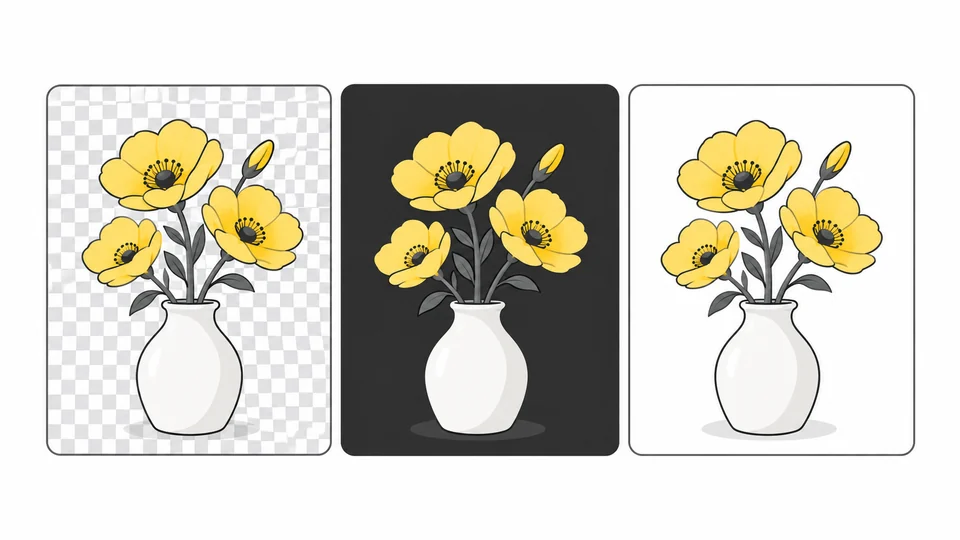
Why Does My Transparent Image Have a Black or White Background?
Find out whether a background is in your image or just the preview.
Read guide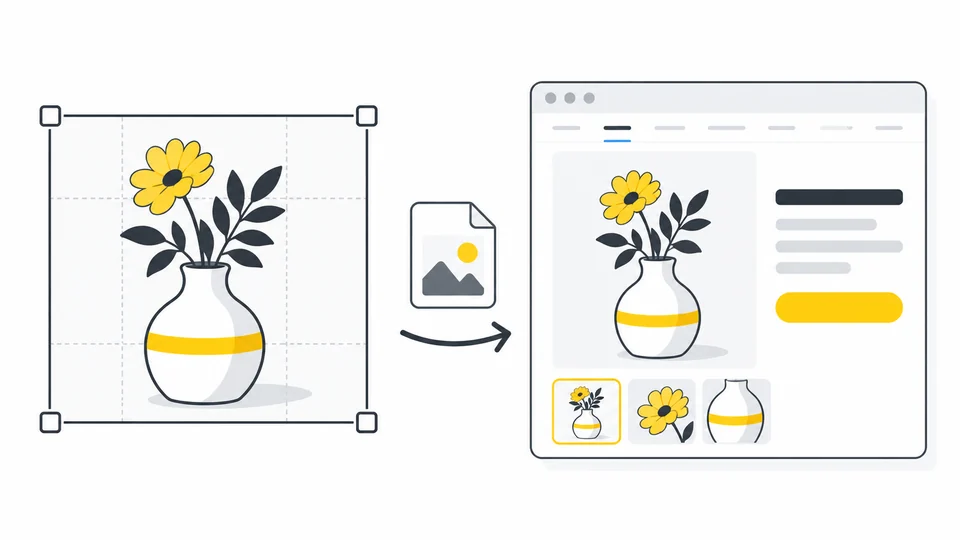
How to Optimize Product Images for Your Online Store
Prepare clear product images for your online store.
Read guide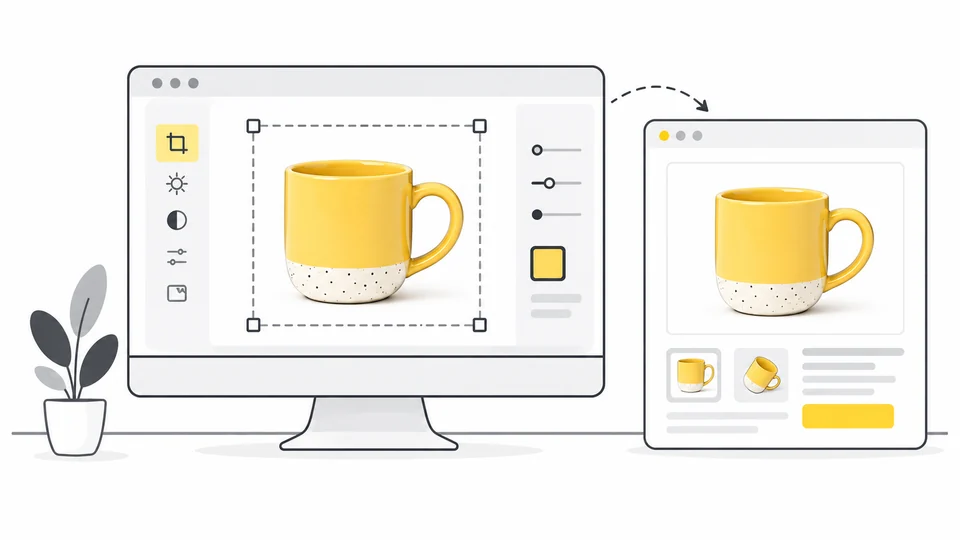
How to Prepare Product Photos for Etsy
Prepare Etsy product photos with clear thumbnail crops, suitable dimensions and useful detail.
Read guideFrequently asked questions
Answers to common questions about this tool, image formats, and privacy.
Why do transparent images need a background for JPG?
JPG cannot store transparent areas. This tool places your chosen solid colour behind the image and saves a JPG copy, so transparent PNG or WebP areas have a predictable background. Opaque parts of the image keep their visible content.
Will the downloaded image still be transparent?
No. The result is a JPG with transparent areas replaced by your selected solid colour. Your original file remains unchanged.
Which image formats can I use?
You can choose JPG, PNG or WebP images. The completed image is exported as JPG.
Can this tool remove or replace an existing photo background?
It fills transparent areas; it does not detect subjects or remove an opaque background. A normal JPG photo has no transparency, so choosing a colour will not replace its background. Start with a PNG or WebP that already has transparent areas.
How do I try another background colour?
Change the colour, check the preview and download a new JPG. Each export uses your selected original, so the previous result is not compressed again when you change colours.
Are my images uploaded?
No. Processing happens locally in your browser.