View image metadata
See what information your image contains before you share it. Check location, capture time, camera details and other supported fields.

Viewing does not change the file. You can send the unchanged original to the removal tool when you are ready.
- Works in your browser
- No image uploads
- No account needed
(728 × 90)
Tools
More image tools
Compress images
Compress image files in your browser
OpenCompress to a File Size
Reduce images to a chosen file size
OpenImage Resizer
Resize images to exact dimensions
OpenCrop Image
Crop images to the perfect frame
OpenProduct Image Optimizer
Prepare consistently sized product images
OpenConvert formats
HEIC, JPG, PNG, WebP, AVIF and SVG.
OpenAdd Watermark
Add text or a logo to your image
OpenRemove Image Metadata
Remove EXIF, camera and location metadata
OpenConvert image formats
Choose an output format
More editing tools7
Rotate and Flip Image
Rotate 90° or flip your image
OpenCombine Images
Combine images in a row or grid
OpenRounded Image Corners
Round corners and choose a background
OpenPixelate Image
Pixelate or cover a selected area
OpenAdd a background to a transparent image
Add a solid background before JPG export
OpenSocial Media Sizes
Resize images for social-media platforms
OpenFavicon generator
Create ICO and PNG icons for your website
OpenGuides
Learn before you export

What Your Photos Reveal: How to Check and Remove Metadata
Check photos for location and other embedded information, create a sharing copy and verify the result.
Read guide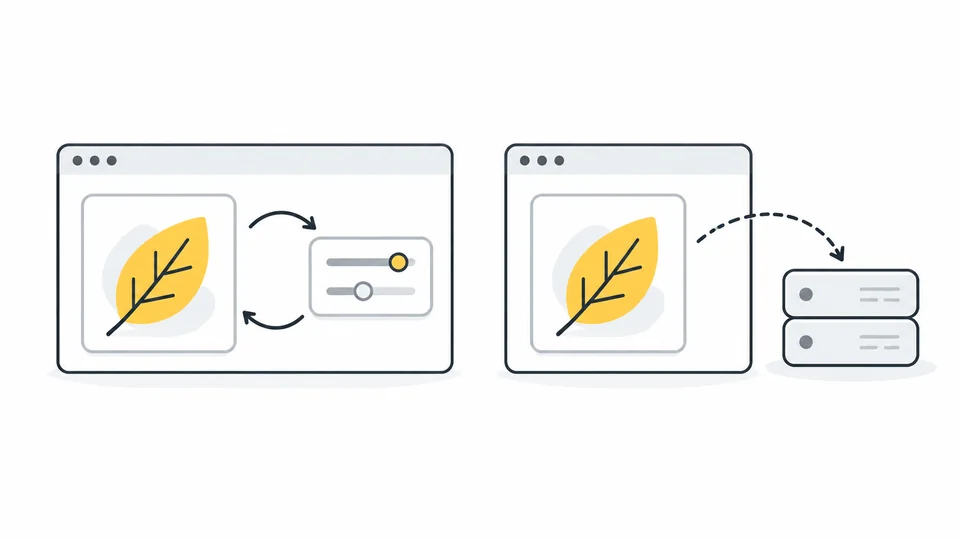
What Happens to Your Photos in an Online Image Tool?
Understand browser and server image processing, local storage and uploads.
Read guide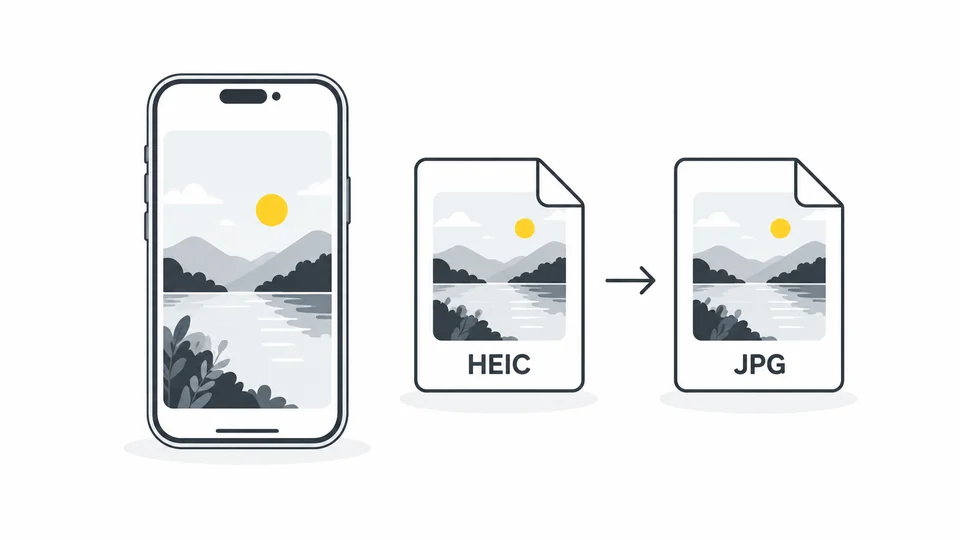
Why iPhone Photos Are HEIC and How to Convert Them to JPG
Learn why iPhone photos use HEIC, how to make a JPG copy, and how to check quality, file size and compatibility before uploading or sharing.
Read guideFrequently asked questions
Answers to common questions about this tool, image formats, and privacy.
Which image formats can I inspect?
Choose one JPG, PNG or WebP up to 25 MB. HEIC, AVIF, RAW and video files are not supported by this viewer.
Does viewing change or remove anything?
No. The viewer reads the selected file without re-exporting it. The removal button transfers that same original file locally to the separate removal tool.
Why are some fields missing or written in English?
A file may not contain those fields, or the reader may not support them. Technical field names and stored values retain their original form. A date may describe an edit rather than when the photo was taken.
Can I check whether metadata was removed?
Yes. The removal tool reads the original and exported copy separately and compares supported fields. Basic image information can remain. An incomplete or failed read cannot confirm removal.