Resize images for social media
Choose a social-media preset or use your own exact dimensions.

- Works in your browser
- No image uploads
- No account needed
(728 × 90)
Tools
More image tools
Compress images
Compress image files in your browser
OpenCompress to a File Size
Reduce images to a chosen file size
OpenImage Resizer
Resize images to exact dimensions
OpenCrop Image
Crop images to the perfect frame
OpenProduct Image Optimizer
Prepare consistently sized product images
OpenConvert formats
HEIC, JPG, PNG, WebP, AVIF and SVG.
OpenAdd Watermark
Add text or a logo to your image
OpenRemove Image Metadata
Remove EXIF, camera and location metadata
OpenConvert image formats
Choose an output format
More editing tools7
Rotate and Flip Image
Rotate 90° or flip your image
OpenCombine Images
Combine images in a row or grid
OpenRounded Image Corners
Round corners and choose a background
OpenPixelate Image
Pixelate or cover a selected area
OpenAdd a background to a transparent image
Add a solid background before JPG export
OpenImage Metadata Viewer
Check EXIF, GPS and camera details
OpenFavicon generator
Create ICO and PNG icons for your website
OpenGuides
Learn before you export
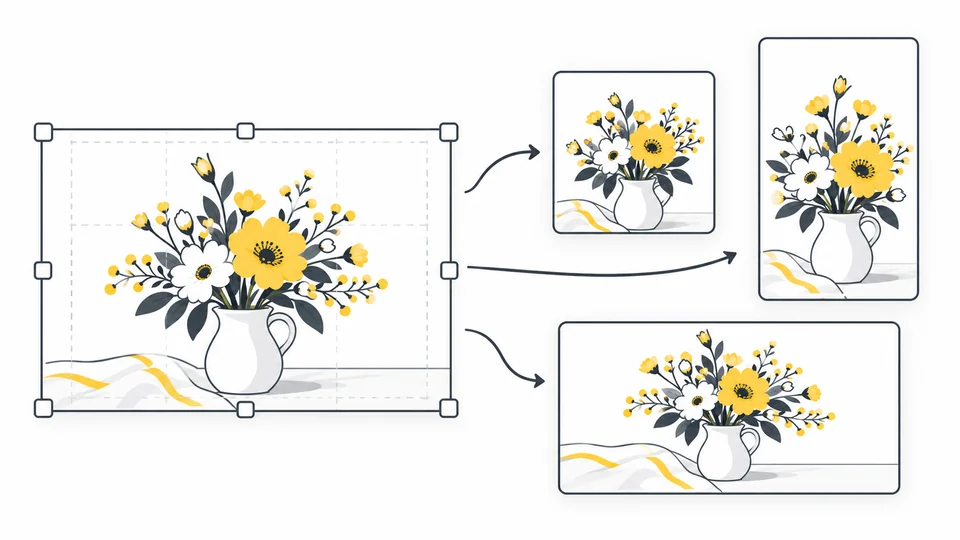
How to Adapt One Image for Different Social Media Posts
Make separate square, portrait and landscape crops from one image.
Read guide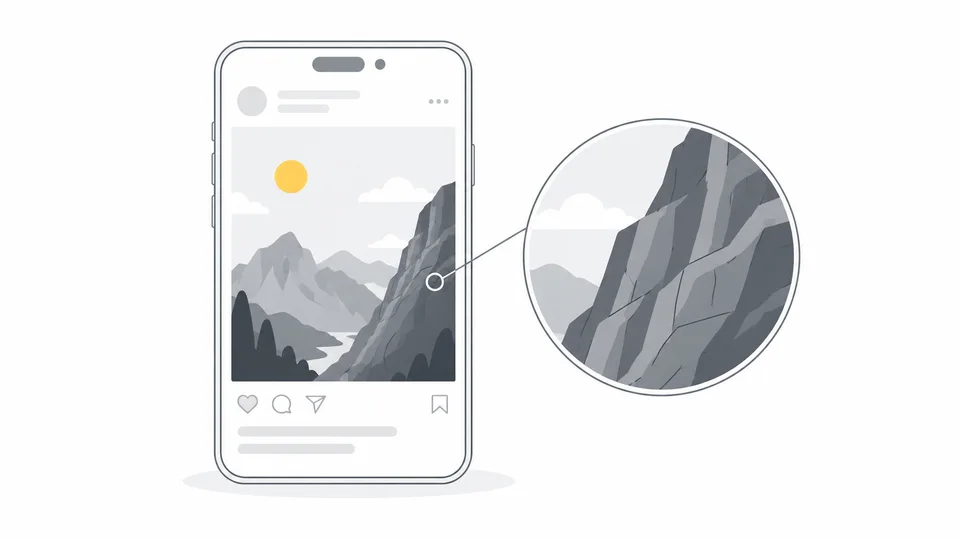
Why Are My Instagram Photos Blurry? How to Improve Upload Quality
Troubleshoot blurry Instagram photos with a clear export workflow, feed image sizes, separate Story checks and an interactive upload checklist.
Read guide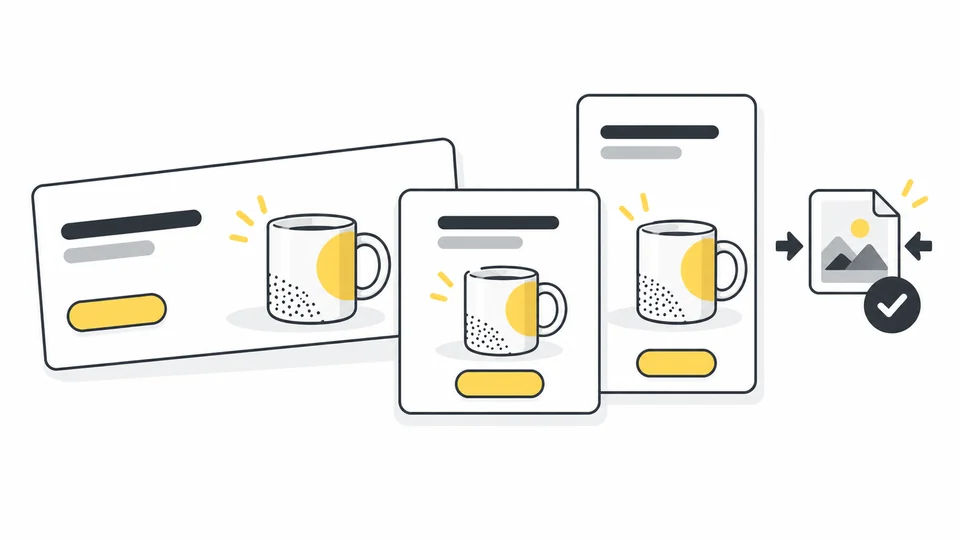
Ad Image Sizes and Compression: A Practical Guide
Choose ad image sizes and prepare layouts for Google, Facebook and Instagram.
Read guideFrequently asked questions
Answers to common questions about this tool, image formats, and privacy.
Can I use my own dimensions?
Yes. Enter both width and height in pixels. Editing either field selects Custom size automatically. The preview shows the result before you download.
Does the tool crop my image?
Show the whole image keeps all edges and may leave borders. Fill the frame crops without stretching. Adjust the horizontal or vertical crop position to keep important details visible.
Which presets are included?
Presets are grouped by platform: Instagram, Facebook, TikTok, X, Pinterest, LinkedIn and YouTube. They include square, portrait, landscape and Story formats, plus YouTube thumbnails in 4K and HD. Check the requirements of your publishing placement, or enter your own dimensions within the tool’s limits.
Why does my resized social-media image look blurry?
Enlarging a small source image cannot create missing detail. Start with an image at least as large as your chosen dimensions and inspect the preview. The social platform may also resize or recompress the file after you upload it.
Which files can I upload and download?
Choose one JPG, PNG or WebP up to 25 MB and download a JPG, PNG or WebP copy. Source and output dimensions are limited to 8,000 pixels per side and 32 million pixels. JPG uses a solid background; PNG can preserve transparency. The tool does not publish to your social account.
Are my images uploaded?
No. Processing happens locally in your browser.